No bull$#;t Digital Marketing to fuel your growth.
Entrepreneurs & business owners are familiar with this experience.
You decide you need to do some digital marketing. You’ve read a bunch of blogs, maybe seen some Facebook posts about people having amazing success. Maybe you’d like a new website, better seo or paid ads to drive some traffic. You jump online, send out a few enquiries, find someone you like and then write the cheque and you go.
A few months later - you’re not sure if you’re seeing results. Maybe the project is bogged. Maybe your didn’t pick the right channel. Maybe the person you hired is no good. So you stop they project, cut your losses. Suck It up.
It takes a while - but eventually you psych yourself up again and repeat.
You eventually find that…
“The world of digital is not the miracle we were promised but a black hole of despair that sucks money, time, and human souls”.
So, you find yourself living in a business paradox: You know you cannot succeed in business without a strong digital capability & intelligence but attempting to achieve it feels like it will take money that would make your accountant blush, and time and expertise that you simply don’t have.
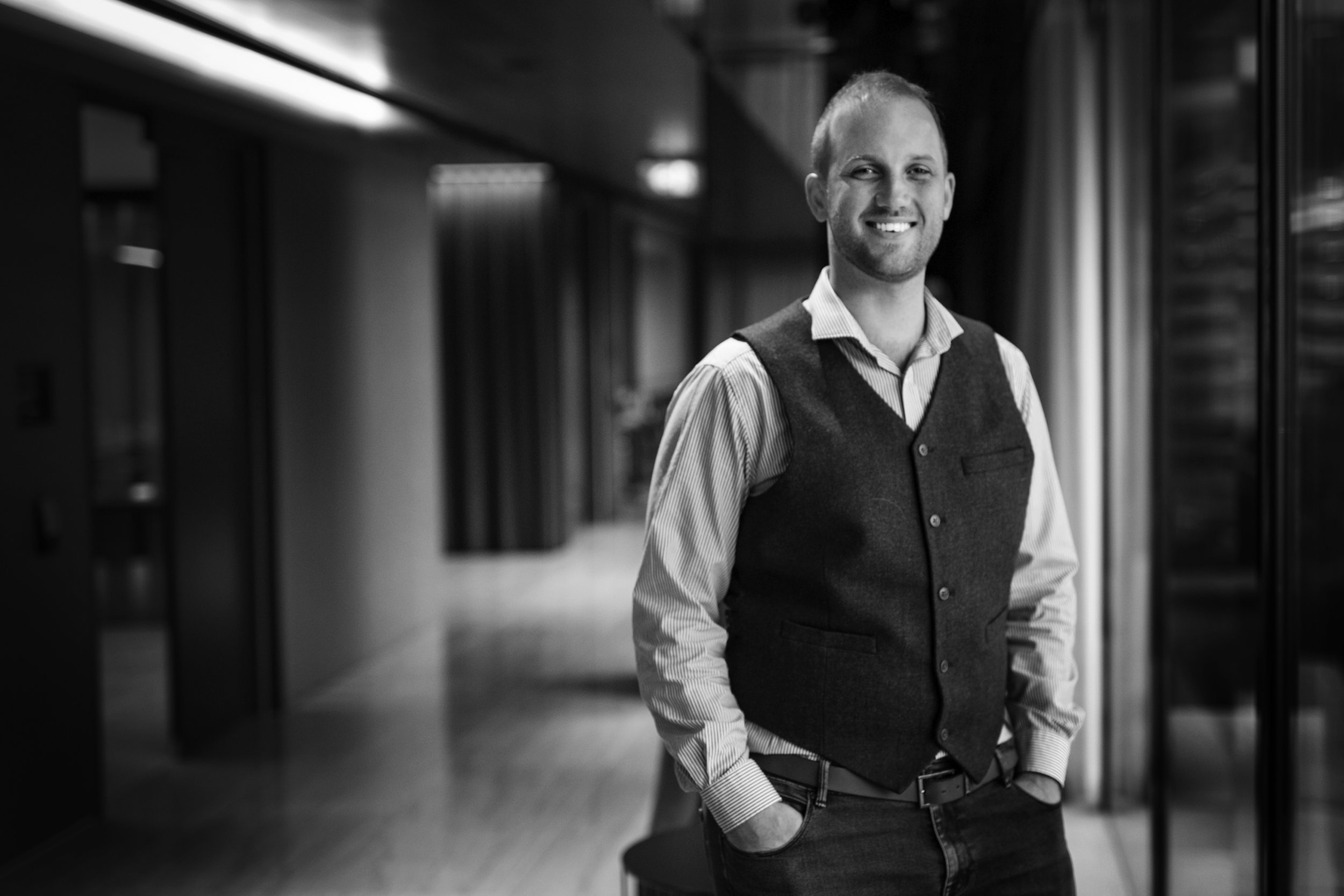
I’m Tom, and I’m here to help.
Together, we can make digital not only less soul-suckingly painful but we’ll transform it to be the backbone of your business, putting you in a position of power and control as you implement digital projects. You’ll find confidence in how you grow your revenue, spend your budgets, structure your strategy, implement new technology. Your team will be more confident too.
What makes how I work different?
As a business owner, serial entrepreneur, start-up investor and advisor myself for over 15 years, I’ve been where you are right now. I’ve experienced the dizzying highs and crushing and expensive lows of running a business.
I’ve developed a set of services that will help your business massively improve the way it thinks about digital and how well it can implement. We won’t just be putting bandaids on. We’ll fundamentally shift the way you and your team do digital.
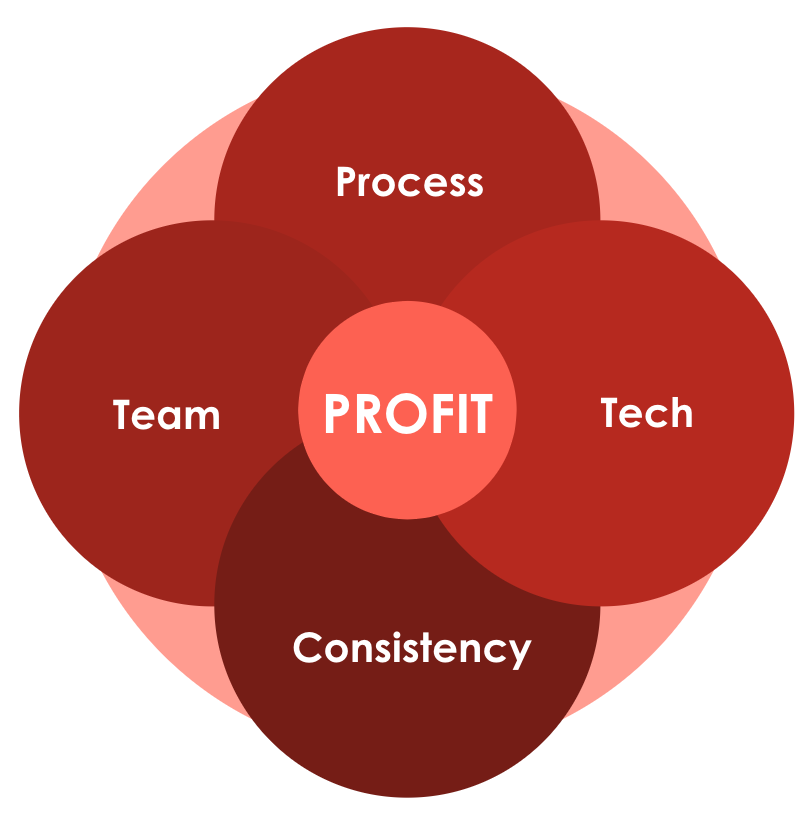
The equation.
An ‘A’ Team
You need a great team, with a proven capacity to implement, that has worked together for years.
+ Proven Process
If you’re following a clear and well-worn path to success that other’s have already forged, you’ll save lots of time, money and heartache on the way to your goals.
+ Technology
Digital marketing is an arms race. If you try to get things done with inferior tools, you’ll always waste time and money.
+ Consistency
Consistent implementation is key to achieving results. Through consistency and iteration, your Growth Team can learn and operate in an agile, responsive way.
= Profit
My services are not for you if:
You want to do it all yourself - this is a valid approach, but it's slow. For me to be effective you need to trust me and my team to turbocharge your business. You'll be busy enough managing the growth.
You're not willing to move fast, make decisions and find it hard to take calculated risks.
You'd rather use an in house team.
On the other hand, if you’re looking for someone to take away all the stress of your business development, with an inclusive, done-for-you service, we’ll be a good fit. You’ll become part of an exclusive group of clients that get access to the most tested developments in the industry, and our team will take care of everything.
Final word.
I generate million dollar outcomes for my clients. These results literally change their lives. I use the exact same methods in my own businesses. I understand what it's like to have a budget and need demonstrable results. I'm not another seedy SEO/ PPC company looking to push the latest gimmick. I simply want to help small and medium businesses succeed. Why? Because it's genuinely life changing and I learn more from every person I work with.
I only have the capacity to take on one or two new clients every few months. That's because my clients stay with me for a long time. There's only so many businesses I can work with and still give exceptional results.
All great relationships start with a conversation.
We'll talk about your business, dreams and goals. We'll work out if there's a good fit. If there is - great. I'll help you build your business. If there's not a fit, no problem. I'll still help you. I'll provide you with ideas and referrals if you need them.
You have nothing to lose, so much to gain.

tom@tomhay.net